🎮 Game Controls & Keyboard Guide
Play Card Master Fullscreen on educlass
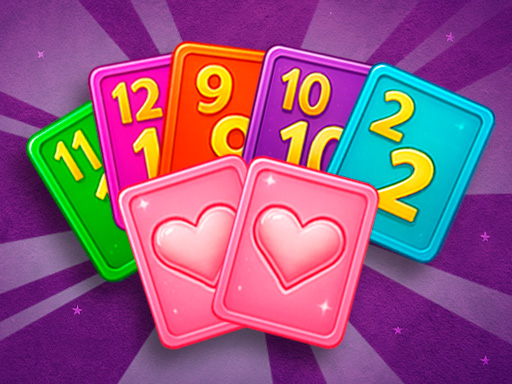
Card Master is a fun and addictive puzzle game for all ages! Strategically merge identical cards to create stronger, higher-level ones while keeping the board from filling up. Use special cards and powerful boosts to clear space and score big. With its mix of strategy, challenge, and endless replay value, it’s the perfect game for anyone who loves to think ahead and have fun.
Step directly into the action with Card Master. This top-tier Puzzle title combines immersive visuals with addictive, responsive browser mechanics.
⚡ Key Features
🔒 100% Free & Safe
Play completely free of charge without forced subscriptions or account barriers.
🎮 Responsive Controls
Optimized for smooth keyboard, mouse, and touchscreen input across all devices.
⭐ Pro Tips & Strategy
Plan at least 2 to 3 moves ahead rather than making instantaneous impulsive matches. Work from the bottom of the screen upward to trigger natural cascading chain reactions.


Complete Guide & Gameplay for Card Master
Mastering Card Master requires a blend of fast reflexes and smart resource management. Hone your reaction time to survive intense encounters.
This classic Puzzle browser title is fully optimized for HTML5 browsers, delivering responsive physics and immersive action on desktop, mobile, and tablet platforms without downloads.
